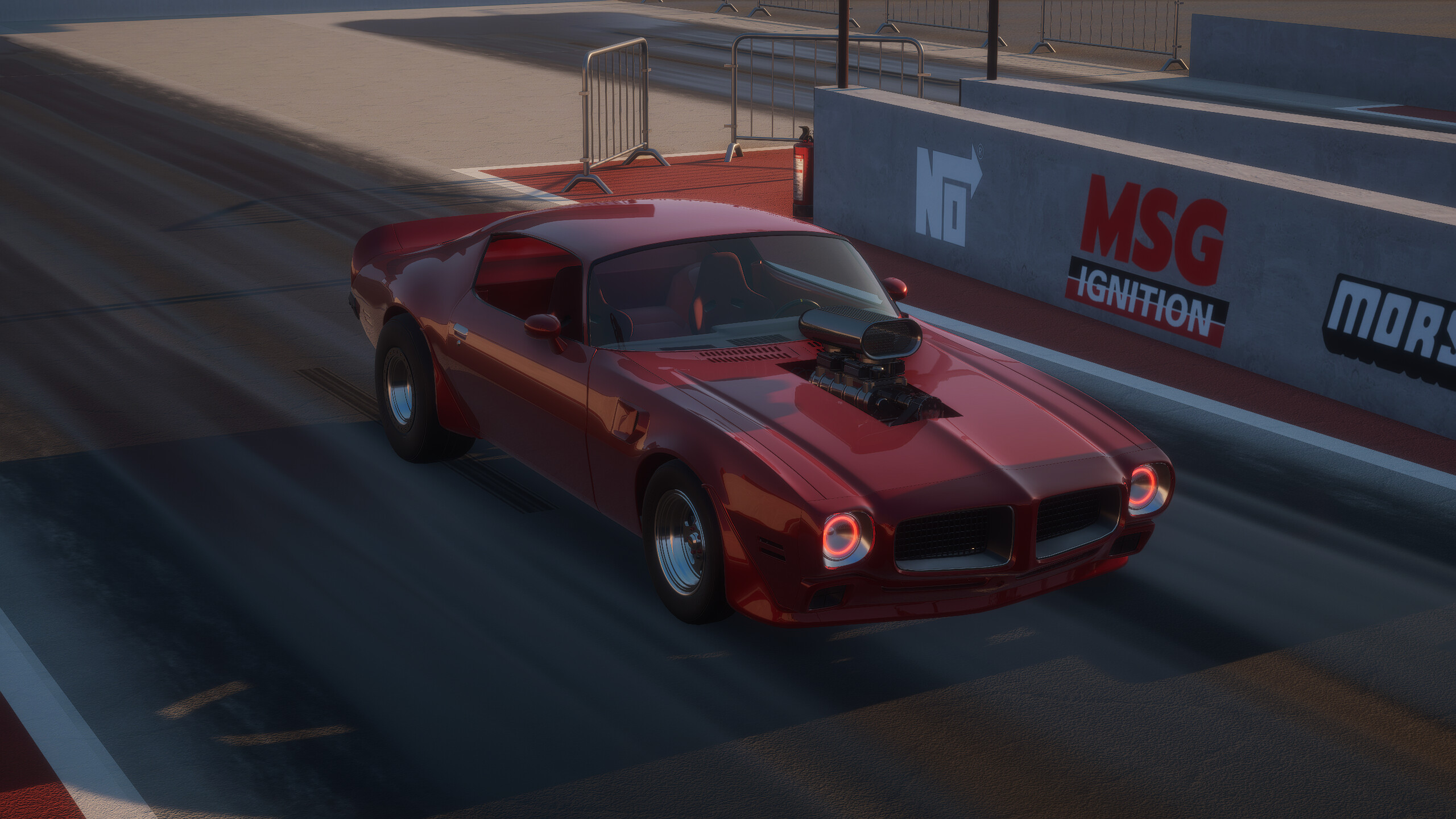
Breakout Garage System Requirements: Can Your PC Run This Racer?
Check the official Breakout Garage system requirements to ensure your PC is ready. Discover hardware recommendations for the best driving simulation experience.
Published:
Video Guide
[NEW INDIE RACING GAME] Breakout Garage - Alpha Showcase #1Table of Contents
Ready to tear up the Texas open roads in a custom-built American muscle car? Before you start wrenching on your engine, you need to know if your computer can handle the intense simulation physics. This guide breaks down the Breakout Garage system requirements to help you optimize your setup for the smoothest possible racing experience.
Knowing the hardware needs is vital because this game isn't just about graphics; it’s a deep dive into simulated thermodynamics, airflow, and complex mechanical wear. If you want to master the art of the 1/4 mile drag strip, having a PC that meets these specs is the first step toward victory.
Understanding Breakout Garage System Requirements
Whether you are a casual cruiser or a competitive drag racer, your hardware determines how accurately the game's engine physics, such as weight, aerodynamics, and inertia, are calculated. The developer, Breakout Studio, has provided two distinct tiers of hardware to ensure accessibility for players across various budget levels.
Minimum vs. Recommended Hardware Specs
The following table summarizes the official hardware baseline provided by the developers. Use this as your primary checklist when assessing your current machine.
Component
Minimum Requirements
Recommended Requirements
OS
Windows 10 (64-bit)
Windows 10 (64-bit)
Processor
Intel Core i3-8100 / Ryzen 3 1200
Intel Core i5-8400 / Ryzen 5 2600
Memory
8 GB RAM
12 GB RAM
Graphics
GeForce GTX 1050ti / RX 560 4GB
GeForce RTX 3060 / RX 6600 XT
DirectX
Version 11
Version 12
Storage
8 GB available space
8 GB available space
Performance Priority
While the minimum specs will get the game running, prioritize an upgrade to the recommended GPU if you plan on using high-fidelity settings, as the simulated airflow and engine thermodynamics can become resource-intensive during complex races.
Why Your PC Hardware Matters for Tuning
Breakout Garage is far more than a visual spectacle. It simulates real-world mechanics where parts affect physics through weight, center of mass, and engine displacement. If your frame rate drops during a high-stakes drag race, your ability to perform manual gear shifts and timing adjustments—which are essential for winning—will suffer.
The Impact of Simulation on CPU and RAM
The simulation engine tracks every internal component of your vehicle. According to community reports, players with faster processors experience fewer hitches when toggling between the garage mechanic mode and the live track environment. The 12 GB of recommended RAM is particularly important when managing the open-world map and active server race lobbies.
GPU Selection for Best Aesthetics and Physics
If you want to see the patina and rust textures on your restored cars in high detail, a stronger GPU is necessary. The game supports complex wheel fitment, decal systems, and realistic paint wear that look best at higher resolutions.
Feature Type
How Hardware Affects It
Recommendation
Physics Calculations
Smoother frame rates allow for better shift timing.
Faster CPU
Visual Fidelity
Clearer textures on decals and paint wear.
Dedicated VRAM (4GB+)
Multiplayer Stability
Reduces latency in race lobbies.
Stable 12GB+ RAM
Optimizing Your Experience Beyond Hardware
Meeting the Breakout Garage system requirements is only the start. Once you have the game installed, you can further improve your performance by adjusting in-game settings to match your specific rig.
Practical Tips for Better Performance
Leverage Driving Aids: If your hardware is pushing its limits, toggling off non-essential graphical post-processing can help you maintain a steady frame rate, which is crucial for consistent gear shifting.
Use a Controller or Wheel: Community feedback strongly suggests using a controller or steering wheel. The simulation is optimized for these inputs, and it prevents the jerky movements often associated with mouse-and-keyboard setups, which can strain your focus during races.
Manage Background Processes: Since the game is in Early Access, ensure no heavy background applications are consuming your CPU cycles while you are active on the drag strip.
Exploring the Game State and Future Updates
As a title currently in Early Access on Steam, the developers are actively updating the game. While the current build is fully functional with five cars and three engine types, future updates may demand more from your system as the map expands and more complex features are added.
[!SUMMARY]
Early Access Note
Breakout Garage is a work-in-progress. Keep your drivers updated and check the official community channels frequently. As more content and features are added, the optimization profile of the game may evolve.
Troubleshooting Common Hardware Issues
If you find that your PC meets the requirements but you are still experiencing issues, follow these steps:
Update Drivers: Always ensure your graphics card drivers are current.
Verify Files: Use the Steam "Verify Integrity of Game Files" feature if you encounter strange graphical glitches.
Check Thermal Throttling: Because the game simulates complex engine thermodynamics, ensure your own PC’s cooling is adequate, as the game’s demand on your hardware is consistent.
Frequently Asked Questions (FAQ)
1. Does Breakout Garage work on Steam Deck?
Currently, compatibility is marked as "Unknown." While it may run, the game’s deep tuning and complex mechanics are best enjoyed on a desktop or laptop that meets or exceeds the Breakout Garage system requirements.
2. Can I run the game with 8GB of RAM?
Yes, 8GB is the minimum requirement. However, you may experience longer loading times and minor performance dips when transitioning from the garage to the open-world map. 12GB or higher is recommended for a smoother experience.
3. Will the system requirements change?
As the game is in Early Access and subject to further development, it is possible that future feature expansions (like larger maps or more cars) could increase the system load. Keep an eye on official updates for any changes to hardware specs.
4. Is an SSD required to play?
While an HDD is not explicitly forbidden, installing the game on an SSD is highly recommended to speed up the loading of the open-world environment and the race track assets, ensuring you get into the action faster.