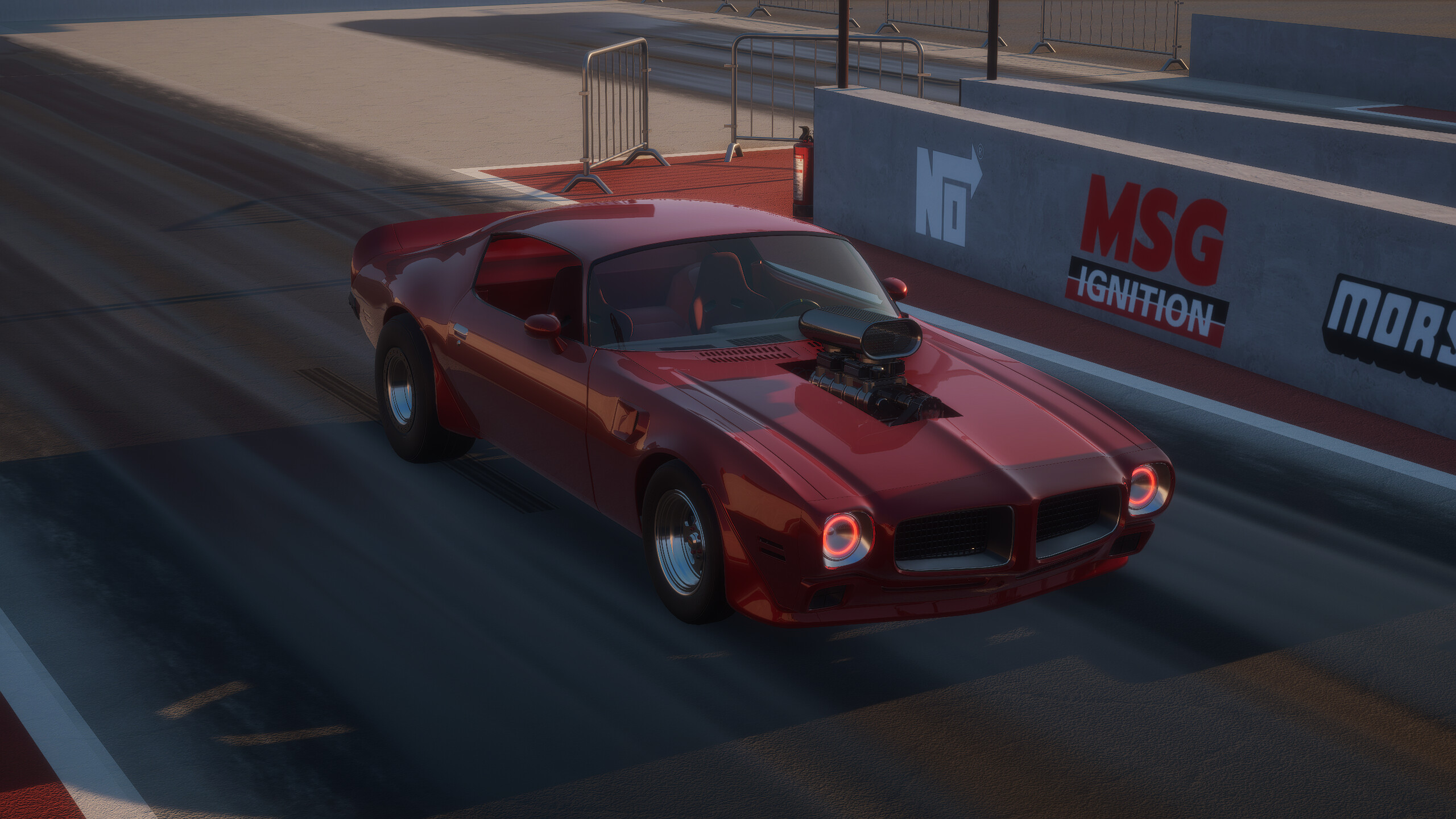
How to Use the Breakout Garage Mod Loader for Custom Builds
Learn how to use the Breakout Garage mod loader to enhance your racing experience. Discover installation tips, community mods, and the future of modding.
Published:
Video Guide
Breakout Garage Mod Loader Guide – How to Install & Use ModsTable of Contents
The thrill of building the perfect American muscle car in Breakout Garage is undeniable, but true gearheads always want more. If you are looking to push the boundaries of your simulation, understanding how to use the Breakout Garage mod loader is the key to unlocking a world of community-created content and deeper customization.
Why does modding matter for this title? Because it transforms a solid racing simulator into a personalized playground. Whether you are craving unique car parts, specialized tuning files, or experimental vehicle additions, the Breakout Garage mod loader allows you to tailor the game to your specific mechanical preferences. In this guide, we will walk you through the current state of modding, how to safely implement tools, and what to expect as the developers continue to refine their native support.
Understanding the Current Modding Landscape
Currently, Breakout Garage is in an active phase of development, and the modding scene is evolving rapidly. While the developers are working toward native Steam Workshop integration, the community has already proven the game’s high degree of flexibility.
According to developer updates, the game currently relies on external tools like MelonLoader to function as a Breakout Garage mod loader. This intermediary software acts as a bridge, allowing the game engine to recognize and execute custom scripts and assets that aren't part of the base installation.
Comparison of Modding Methods
Method
Status
Pros
Cons
External Loaders
Available Now
Immediate access to custom content
Requires manual setup and updates
Steam Workshop
In Development
Seamless, one-click installation
Pending full native implementation
Getting Started: The Role of Mod Loaders
To get started with mods, you must recognize that you are modifying files outside of the developer's original scope. The Breakout Garage mod loader (such as MelonLoader) is necessary because it hooks into the game's architecture, allowing you to load "DLL" files—the engine blocks of your mods.
Always Backup Your Files
Before installing any mod, ensure you create a backup of your current save folder and game configuration files to prevent any potential data loss during the modding process.
Why use a loader instead of just dropping files into a folder? Because Breakout Garage requires a system to interpret these external instructions in real-time. Without a loader, the game simply won't know how to render the new parts or handle the altered physics parameters you have added.
Step-by-Step: Setting Up Your Mod Environment
Setting up your environment requires patience and precision. While the developers have stated that they support the community's efforts, they are also implementing checks to ensure that modded cars do not negatively impact the leaderboard fairness.
Verify your game files: Ensure your Steam installation is up to date.
Download the required loader: Use a trusted source like MelonLoader (as recommended by the developer) to ensure compatibility.
Locate your directory: Find your Steam install folder (usually under steamapps/common/BreakoutGarage).
Run the installer: Point the loader toward the main executable of the game.
Install mods: Once the loader is active, you can place your downloaded mods into the newly created Mods folder.
Common Troubleshooting Steps
Issue
Potential Cause
Solution
Game crashes on startup
Incompatible mod version
Remove recent mods one by one
Mods not appearing
Incorrect folder placement
Verify the Mods folder path
Leaderboard errors
Modded performance stats
Disable mods before competitive runs
Community Insights and Real-World Examples
The community has been incredibly active, with testers already experimenting with complex additions. One community member successfully added a new car as a proof of concept, demonstrating that the game’s engine is far more capable than initially anticipated.
According to community reports, players have used the Breakout Garage mod loader to fine-tune engine internals that were previously locked. By adjusting these variables, players can create high-performance "supercharged 350" builds that demand specific internal parts to handle the increased power. This trial-and-error process is exactly what makes the game a "blast" for hardcore tuning enthusiasts.
Avoid Public Leaderboard Conflicts
Using mods that significantly alter engine power or drag strip performance can result in your times being flagged. Always stick to visual or non-competitive mods if you want to keep your leaderboard standing legitimate.
The Future: Moving Toward Native Workshop Support
The developers at Breakout Studio have made it clear: they want to move away from third-party loaders and toward native support. This means that in the near future, the Breakout Garage mod loader will likely become a thing of the past, replaced by an integrated Steam Workshop experience.
This shift will make modding much safer for the average user. Instead of manually handling DLL files, you will be able to click "Subscribe" on the Steam Workshop, and the game will handle the rest. This will remove the risk of broken file paths and ensure that all community content is compatible with the latest game updates.
What to Expect in Future Updates
Native Integration: Direct Steam Workshop support for easy downloads.
Mod Compatibility Checks: Automatic systems to ensure mods don't conflict with core game files.
Expanded APIs: Deeper access for modders to create custom tracks and car bodies.
Frequently Asked Questions (FAQ)
Q: Is using a Breakout Garage mod loader safe for my Steam account?
A: Yes, using loaders like MelonLoader is generally safe, provided you download them from official, reputable sources. However, always exercise caution when downloading mods from third-party sites to avoid malware.
Q: Will mods cause me to get banned from the game?
A: No, the developers are supportive of the modding community. However, they are implementing checks to ensure that modded cars do not interfere with the competitive integrity of the leaderboards.
Q: Can I use mods if I bought the game via Patreon?
A: Yes. Whether you purchased the game through the developer's Patreon or directly on Steam, the modding principles remain the same. Ensure your game version matches the requirements of the mods you are trying to install.
Q: When will official mod support arrive?
A: The developers are actively working on native Steam Workshop support. Keep an eye on the official Breakout Garage Steam Page for the latest news and release updates regarding these features.